 G-POS
G-POS
Download G-POS POS
Windows desktop app for single-PC checkout. Activate with a license key and start selling in minutes.
Download for Windows
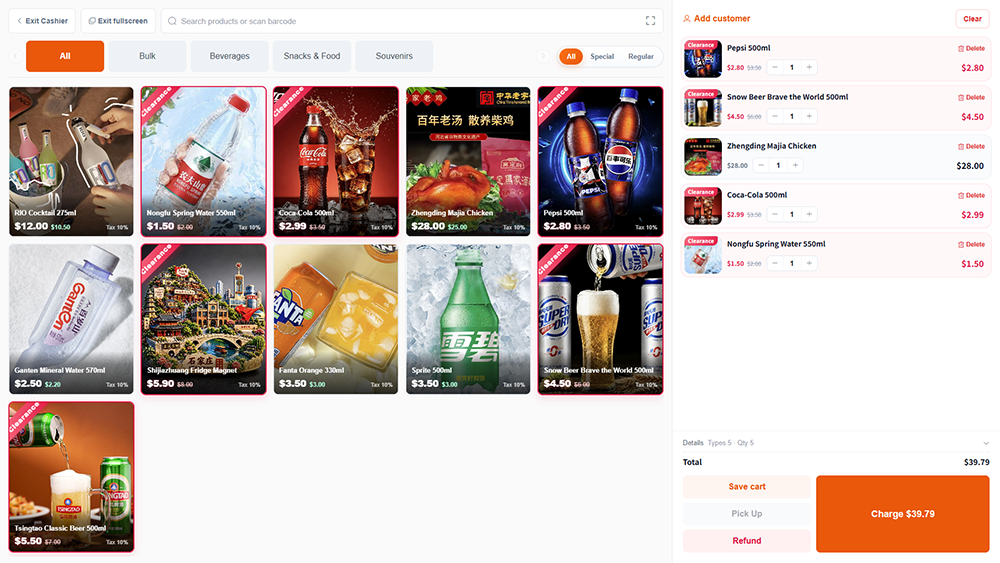
G-POS POS for Windows
Supports Windows PCs. One PC per license. Ready to use right after activation.
- One license covers one computer for daily store use.
- Activate with your license key — no extra setup wizard needed.
- Works with receipt printers, barcode scanners, and cash drawers.
System Requirements
- Windows 10 or later (64-bit processor)
- 1 GB RAM or more
- 100 MB of available disk space
- USB connection required for peripherals; enable device / driver permissions when prompted
Printer Driver
Download and install the receipt printer driver before connecting your printer via USB or network, then select it in G-POS print settings.
FAQ
Common questions about downloading and activation.
Are there any extra fees after download and activation?
No. Once activated, the licensed version on that PC has no additional download or activation fees. Optional hardware and add-on services are billed separately.
Do I need any extra plugins to run the app after download?
No. The installer includes everything you need to run G-POS POS on Windows. Only install your printer or scanner drivers separately if the vendor requires them.
How do I get the activation code?
After submitting a trial or purchase request, our team sends your activation code via WhatsApp or email. Enter it on first launch to activate.
Can one activation code be used on multiple computers?
No. Each activation code is bound to a single computer. For additional PCs, please request extra licenses.
