 G-POS
G-POS
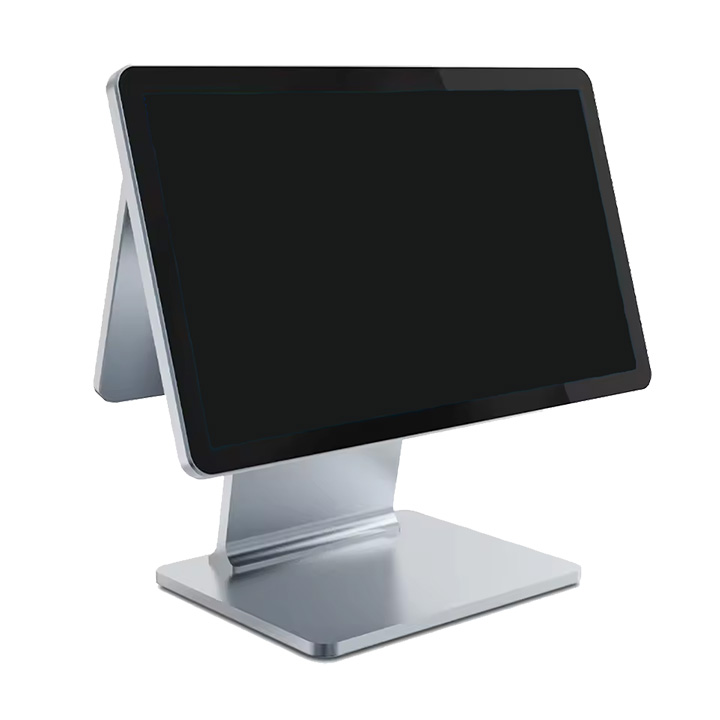
POS Touch Terminal / Host
A sleek touchscreen terminal for running G-POS on Windows. Ideal for checkout, order entry, and daily store operations.
From checkout counter to back office, we have the hardware you need for store, cafe, and retail operations.
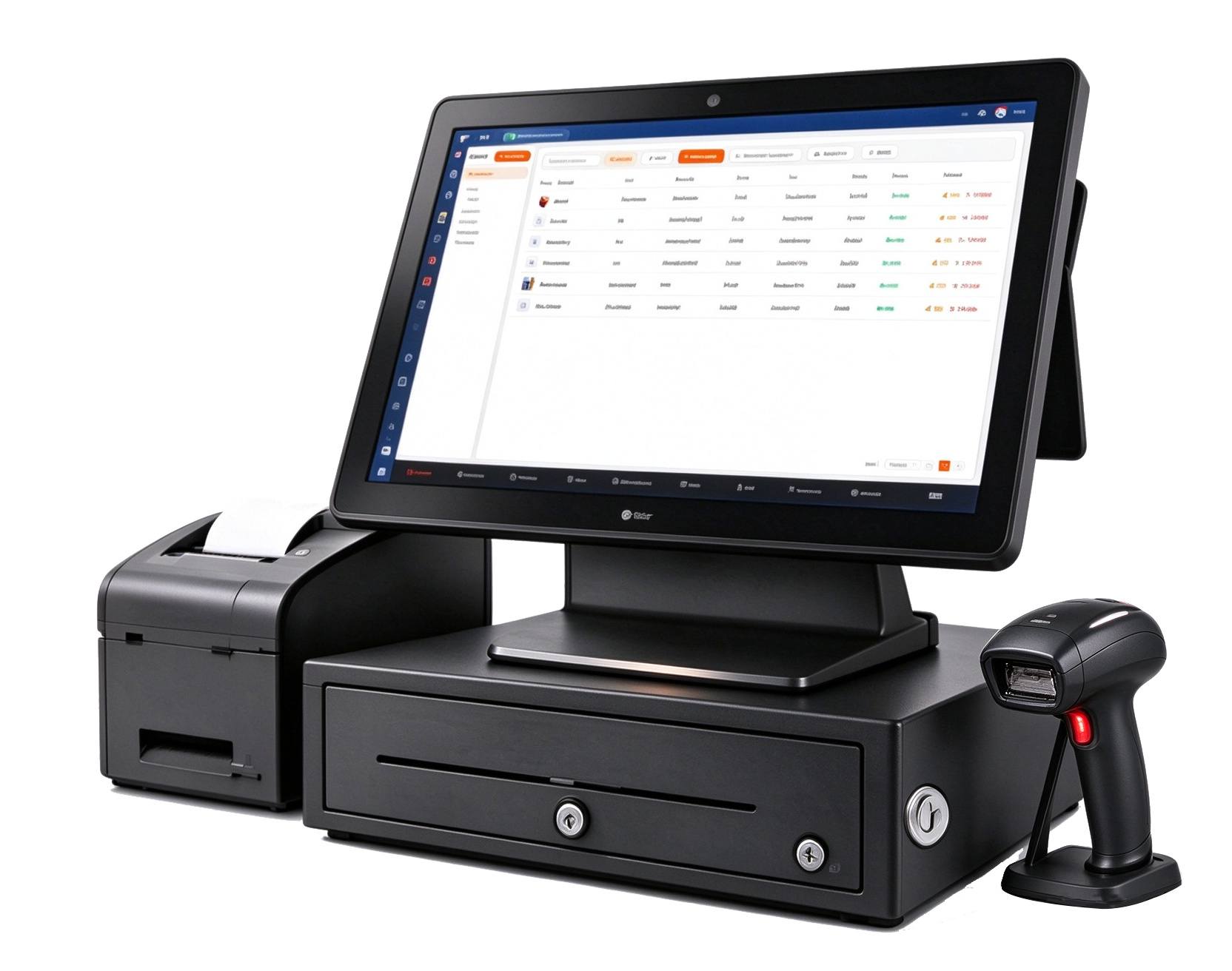
We have all the individual hardware to get you going with your new POS system.
A sleek touchscreen terminal for running G-POS on Windows. Ideal for checkout, order entry, and daily store operations.
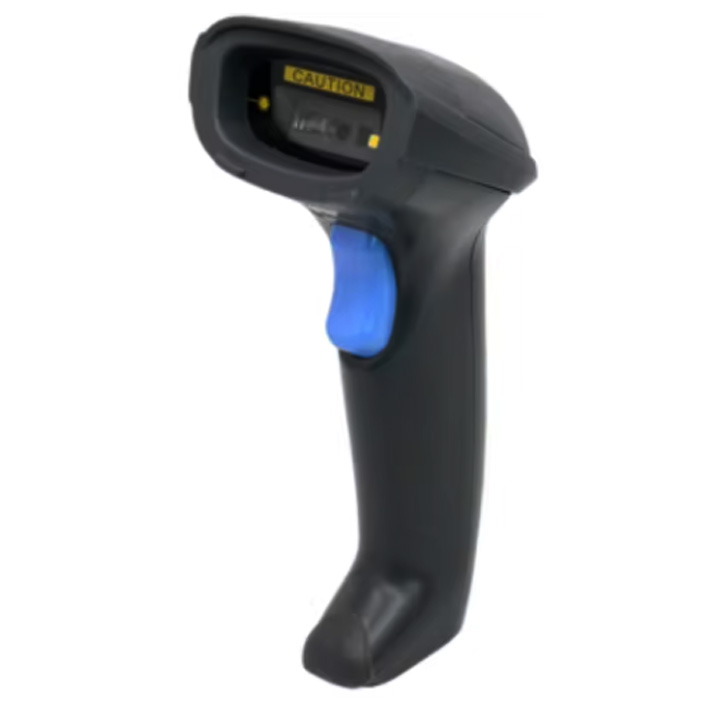
Small, lightweight, and easy to use, with continuous scanning and long battery life for shelf and checkout work.
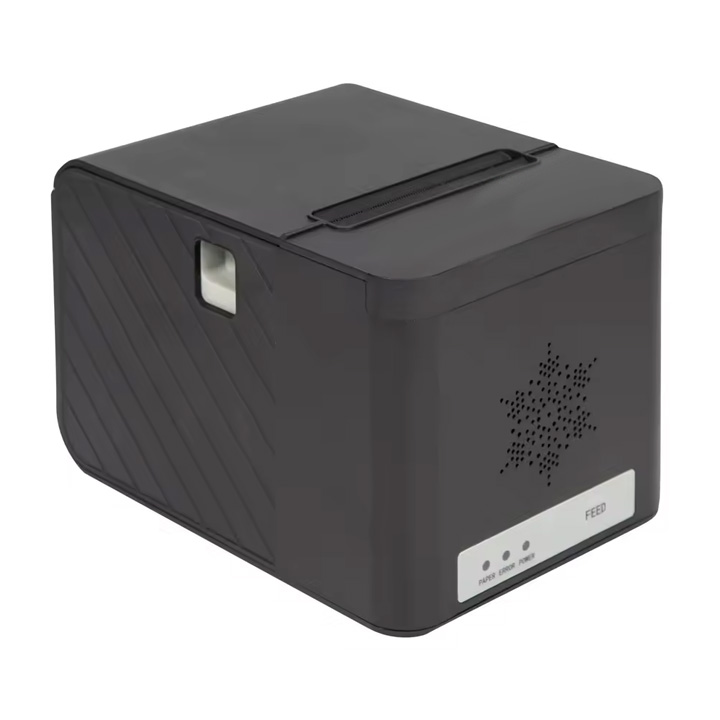
A compact, front-loading 3-inch printer with multiple connectivity options for fast and reliable receipt printing.
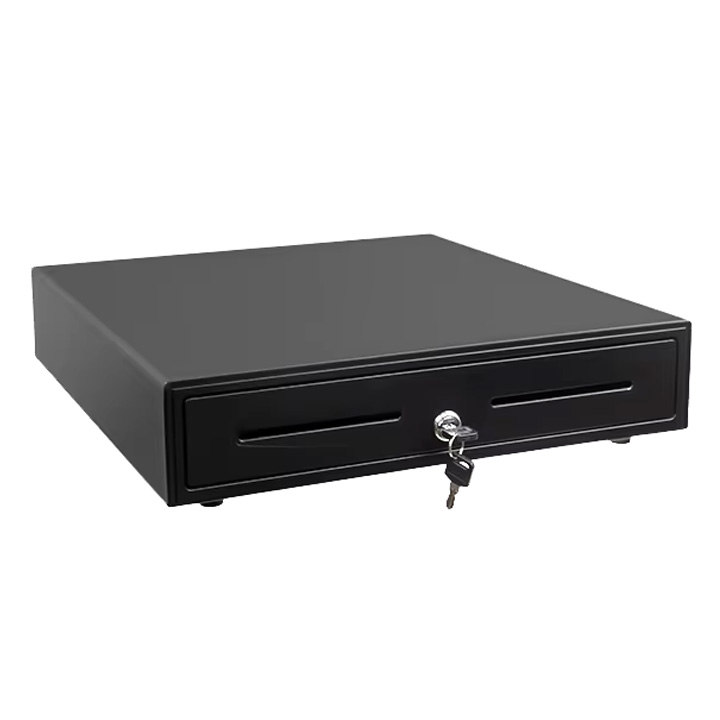
A durable steel cash drawer with media slots and a black coated finish. Connects through your receipt printer.
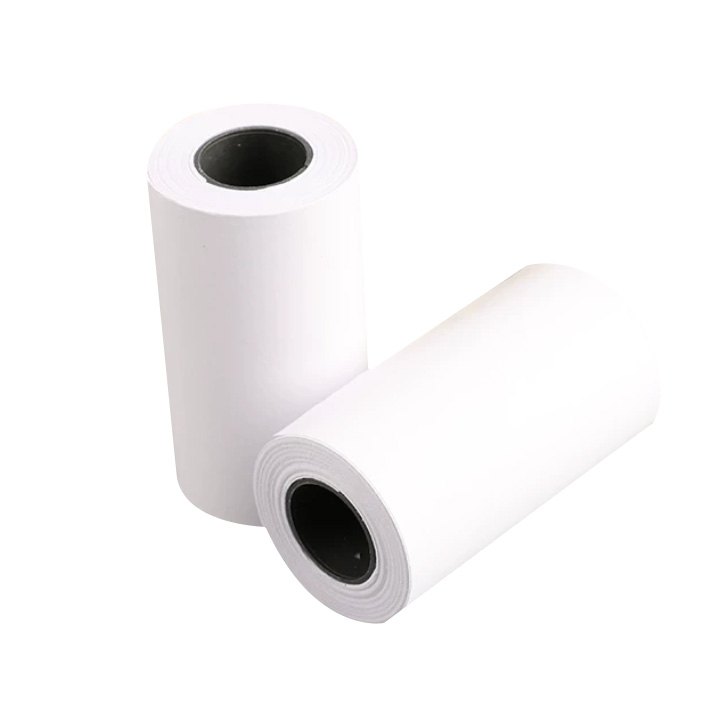
Thermal or impact receipt paper for everyday printing needs. Available in multi-roll packs for busy stores.
Common questions about G-POS hardware setup.
We recommend high-speed internet with a minimum download speed of 2.5 Mbps. For the POS software, use Windows 10 or newer with at least 4 GB of RAM and a 1.4 GHz processor.
A POS touch terminal, a USB or Ethernet receipt printer, a cash drawer that plugs into the printer, a USB or Bluetooth barcode scanner, and an optional label printer for product and shelf tags.
Start with one POS terminal, a receipt printer at the counter, and a back-office or kitchen printer for order tickets. Keep each networked printer on a stable Ethernet connection with a static IP when possible.
Tell us what you need — partnership, catering, or a product demo.
A trial address can be requested via WhatsApp customer service.
